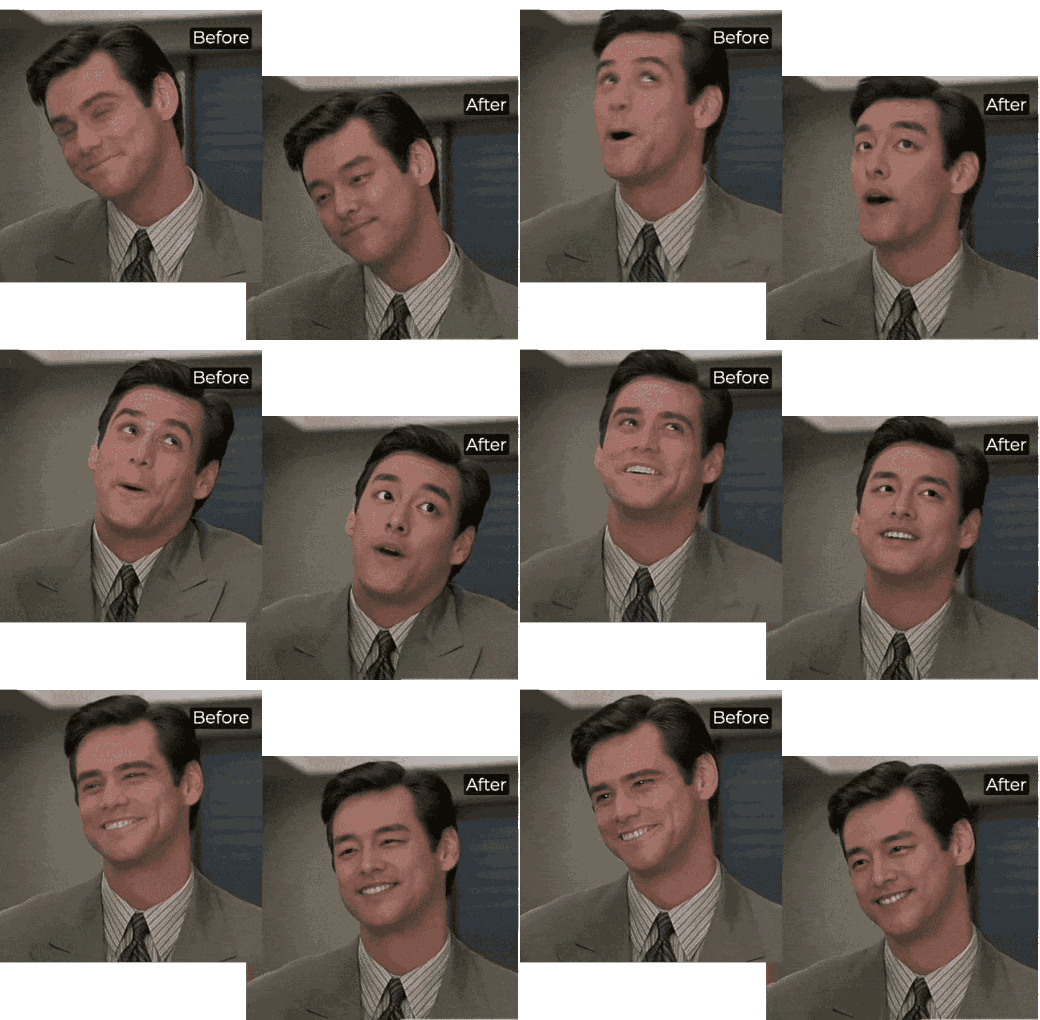
AI Face Morph Online | Realistic, Fast, Free
loading
loading
Single Face Swap
Multiple Face Swap
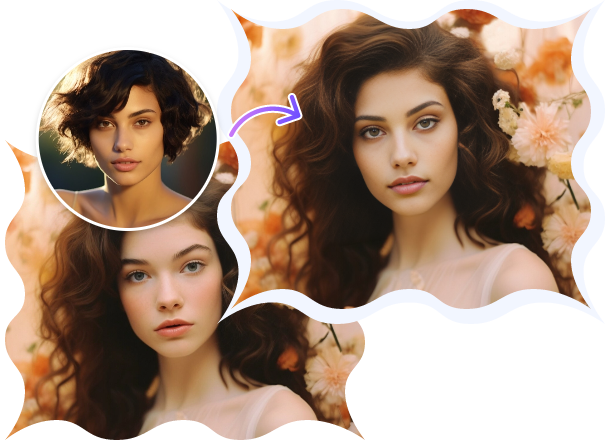
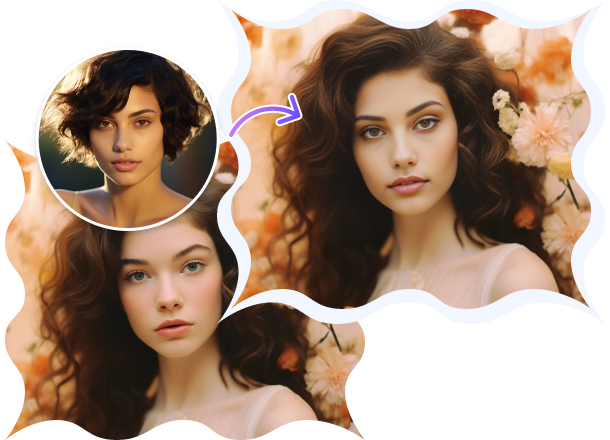
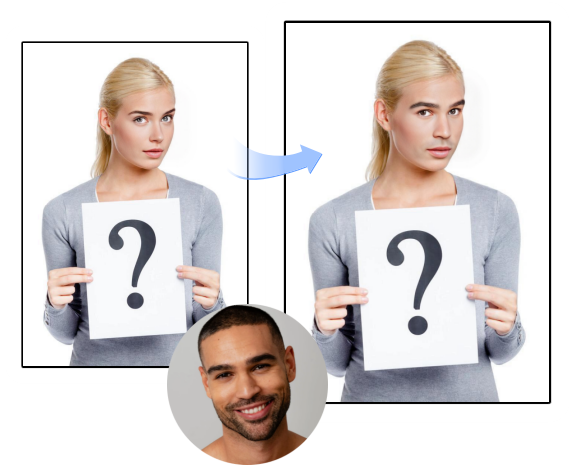
Navigate to Photo Face Swap to merge faces in images. For video face morph, select Video Face Swap.
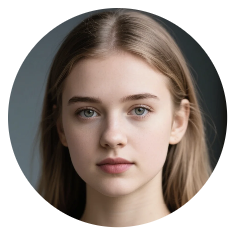
Add the target face you want to morph with.
Click the Swap Face Now button to proceed. Wait for a while and let Vidqu blend faces naturally.
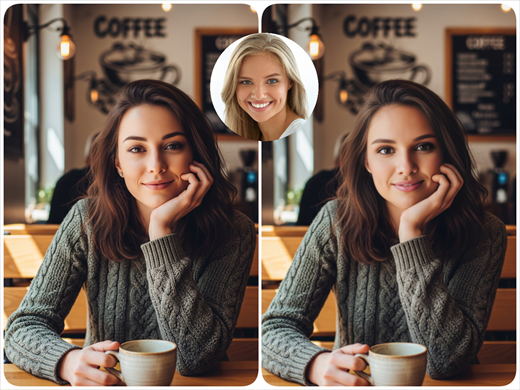
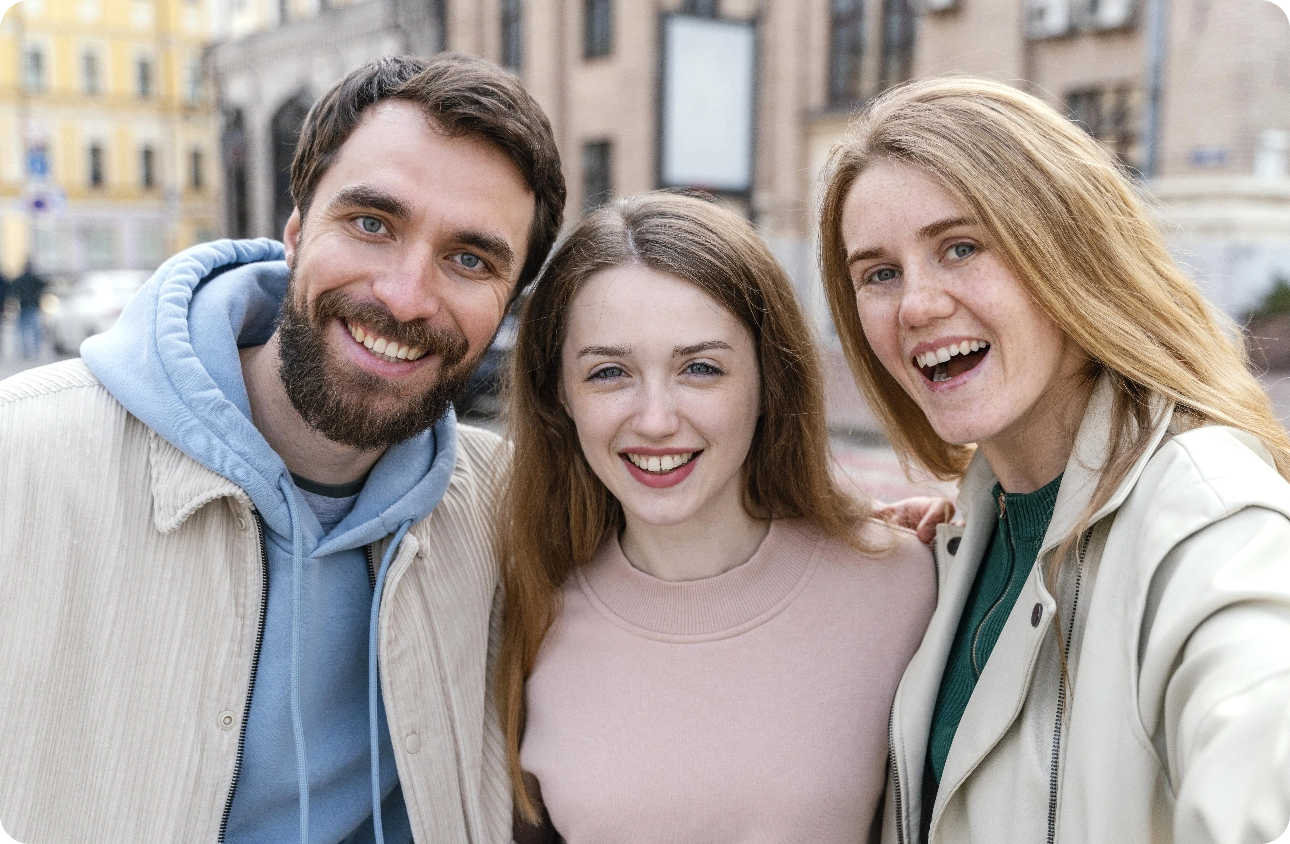
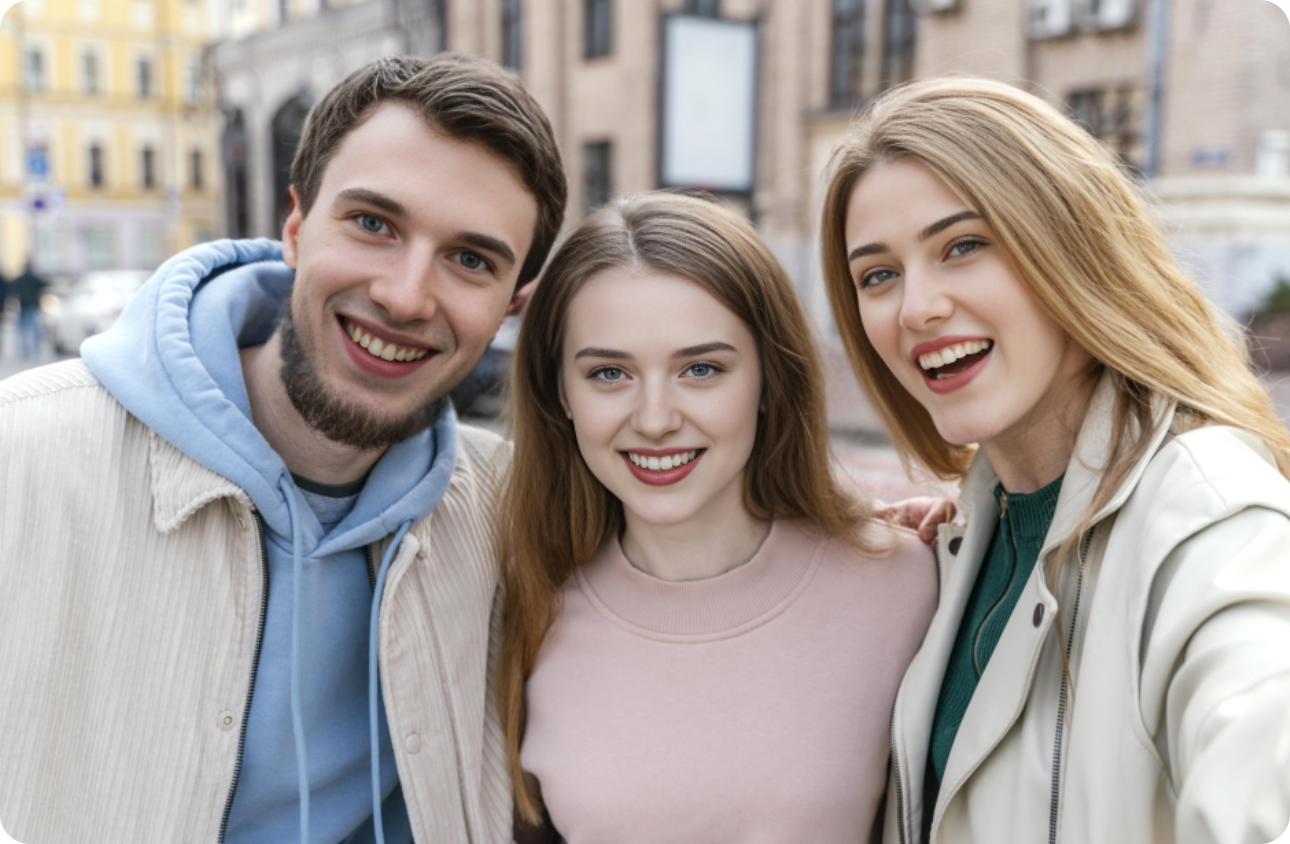
Switch to Multiple Face Swap. Upload a group photo or video.
Upload photos with faces you want to switch to.
Click Swap Face Now to change faces in a group photo or video.
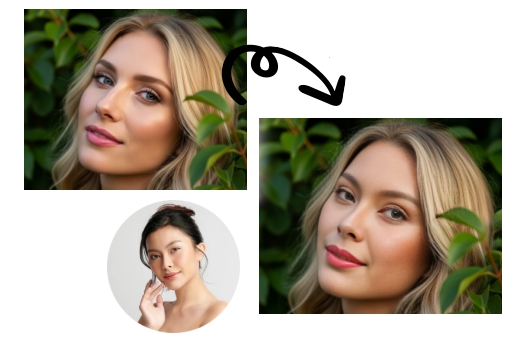
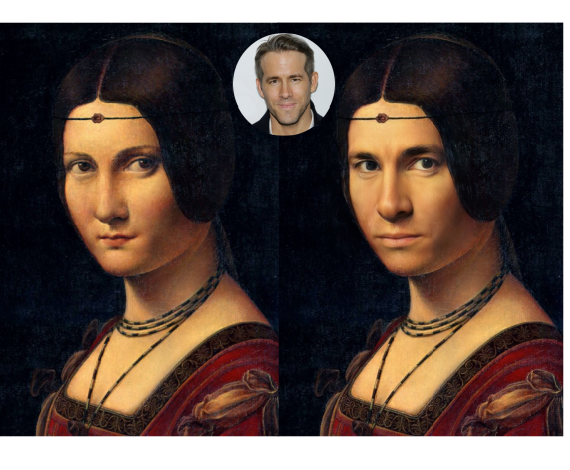
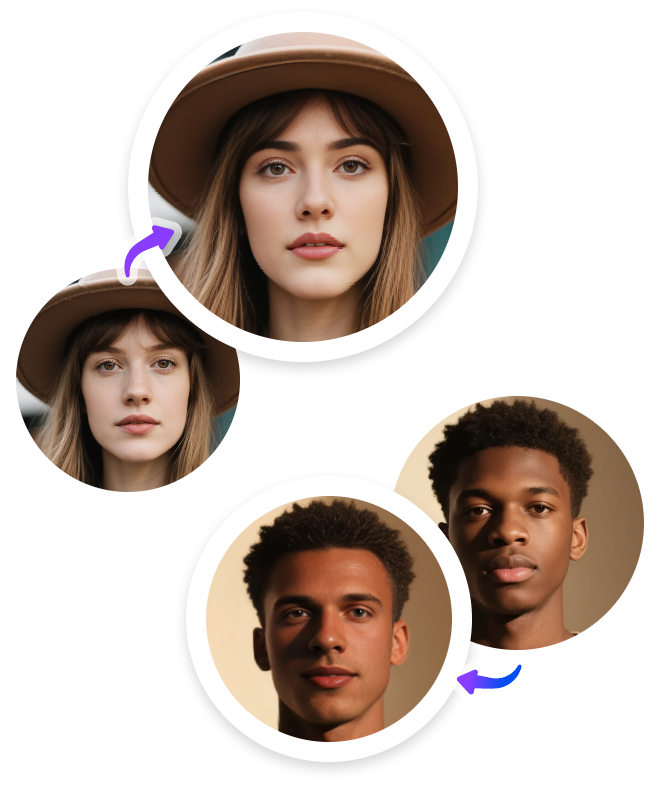
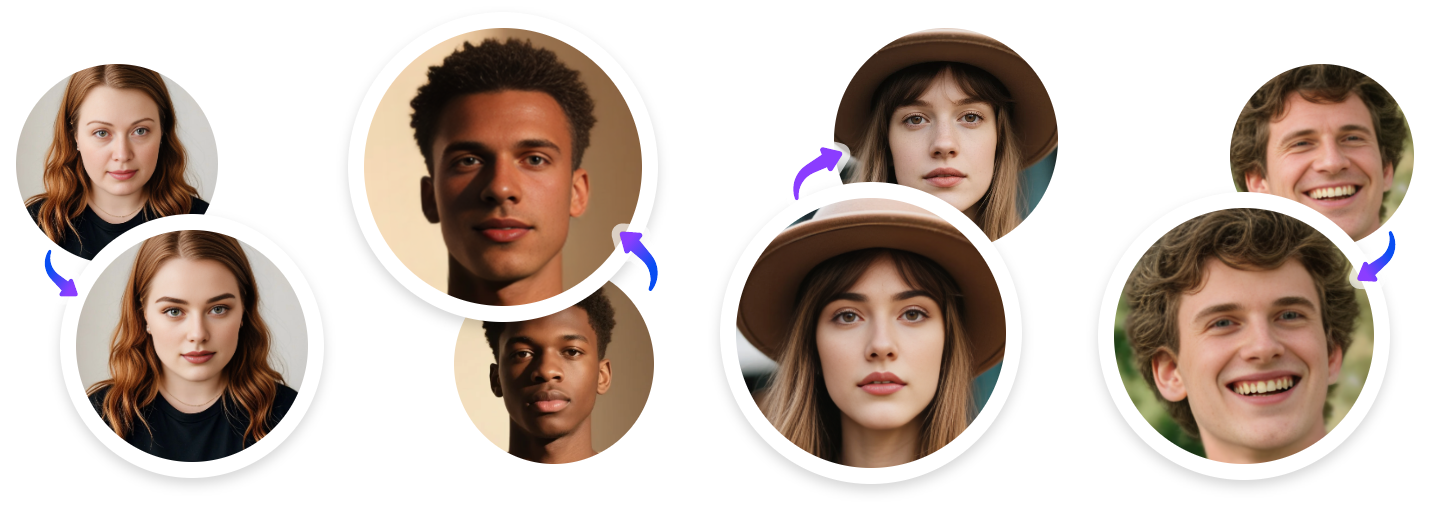
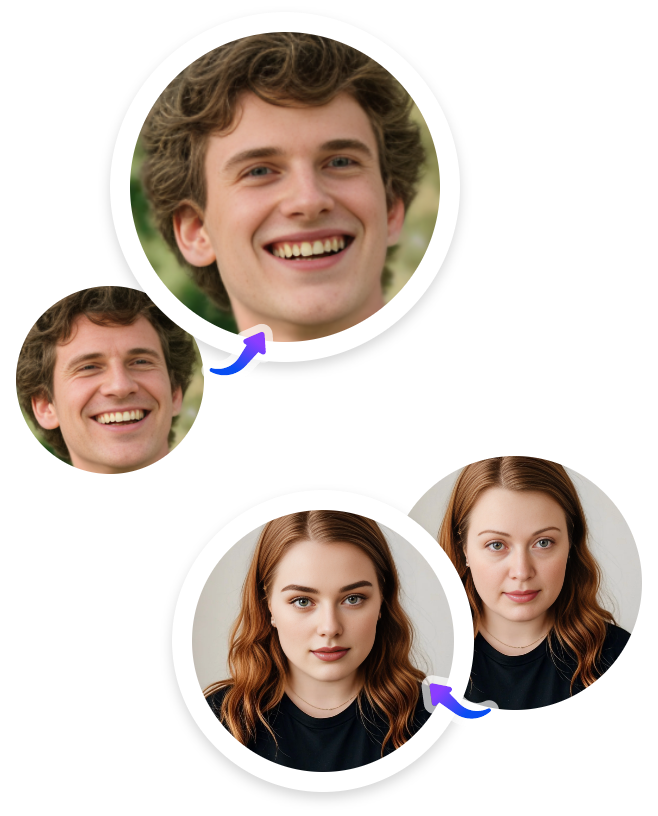
An AI face morpher aims to blend two or more faces together, creating a realistic transformation from one face to another - either in image or video format.
Yes! Vidqu offers a free AI face morphing tool online for free with no limits, no login required, so you can start creating instantly.
Yes, you can morph two faces or multiple faces at a time. Even making multiple or video faces morphing, dynamic tracking and animation can be seamlessly achieved.
Yes, you can face-blend with anyone, but please check the celebrity's usage policy and be careful about legitimate uses.
In general, yes - especially for personal or creative use. But please be careful about legal use. Always pay attention to responsibly.
Absolutely. We consider privacy and ensure that your data is handled securely during the face morphing process. All processing happens locally in your browser, and we don’t store any images or personal data.
Use the Vidqu face morph tool to easily achieve natural and seamless face blending, no tricks required! Create viral face morphing with anyone for a laugh or to share.