Ghost Face Swap AI - Creepy & Funny AI Ghost Filter for Photos & Videos
loading
loading
Single Face Swap
Multiple Face Swap
To create a ghost face swap picture, simply click Photo Face Swap, upload ghost face you want to wear, e.g., Ghostface in Scream, Kayako Saeki in Ju-On, Chucky in Child's Play, etc. To add yourself to the horror movie clip, try Video Face Swap.
Then, upload the picture of yourself or any picture with a clear face as the target face.
Click “Swap Face Now” and let it process your ghost face-swapping photos or videos.
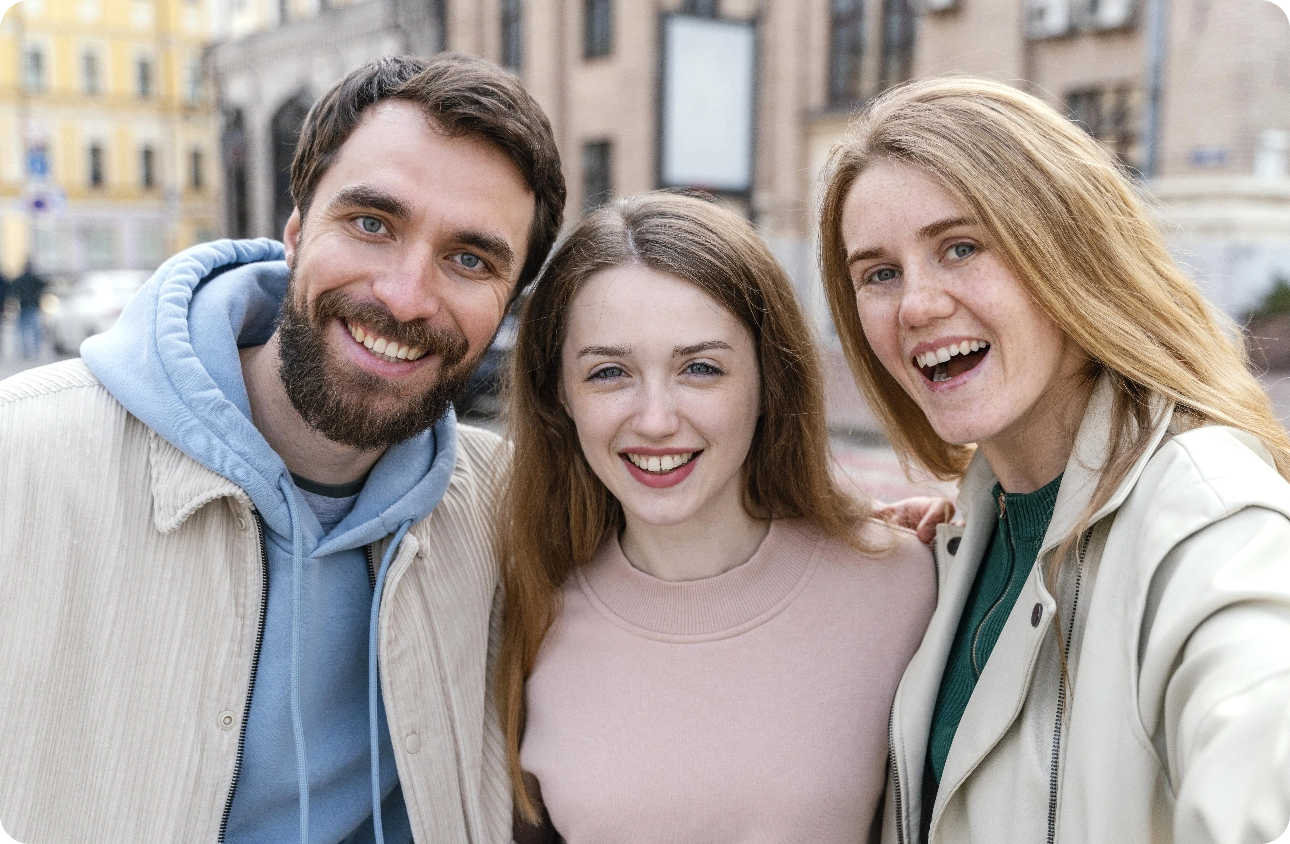
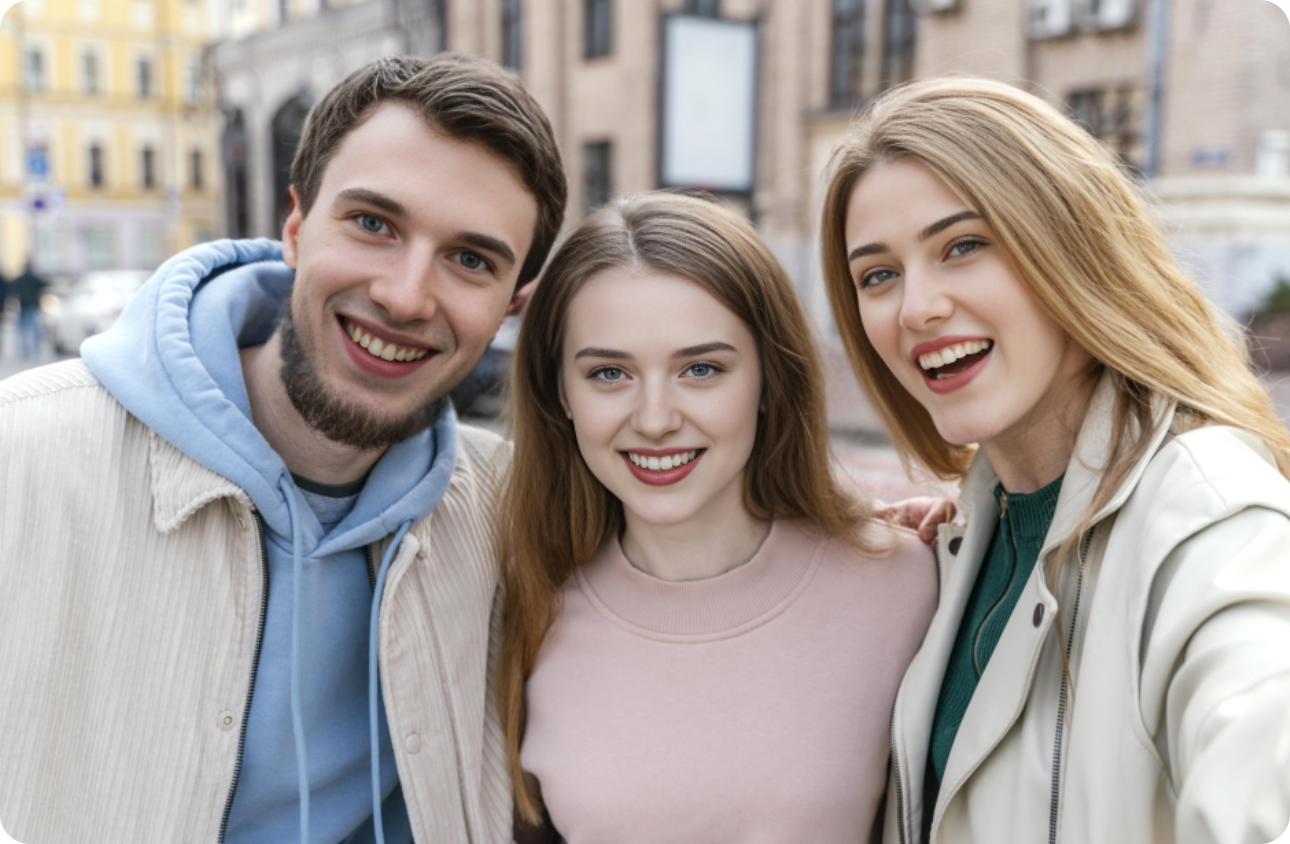
Choose Multiple Face Swap, upload a picture/video with multiple faces, e.g., a screenshot/video clip of a movie clip with protagonists and villains in it.
Then, upload your target face photos, like your and your friends’ snaps.
Tap “Swap Face Now”. Wait for the AI to swap your faces in a photo or video quickly and seamlessly.
Vidqu Ghost Face Swap AI is an AI-powered face-changing tool that lets you swap your face with a ghost or horror character in photos and videos.
Yes. Apart from turning your selfies into ghostly versions, this AI ghost filter also works with video clips. In this case, you can add your face to scary scenes, thus transforming yourself into a horror movie character.
Yes. This ghost face swapper supports multiple face swaps. Simply upload a group picture/screenshot, and add the target face images. Within seconds, you can get your ghost face swap for multiple faces.
For image content, please upload snaps and pictures with clear and well-lit faces without blurring; while for formats, both JPG, JPEG, PNG, and WebP work well with it.
Upload spooky face materials and your photos to create creepy ghost face swap art, profile avatars, memes, video content, and more!