Remaker AI Face Swap Online Free
loading
loading
Single Face Swap
Multiple Face Swap
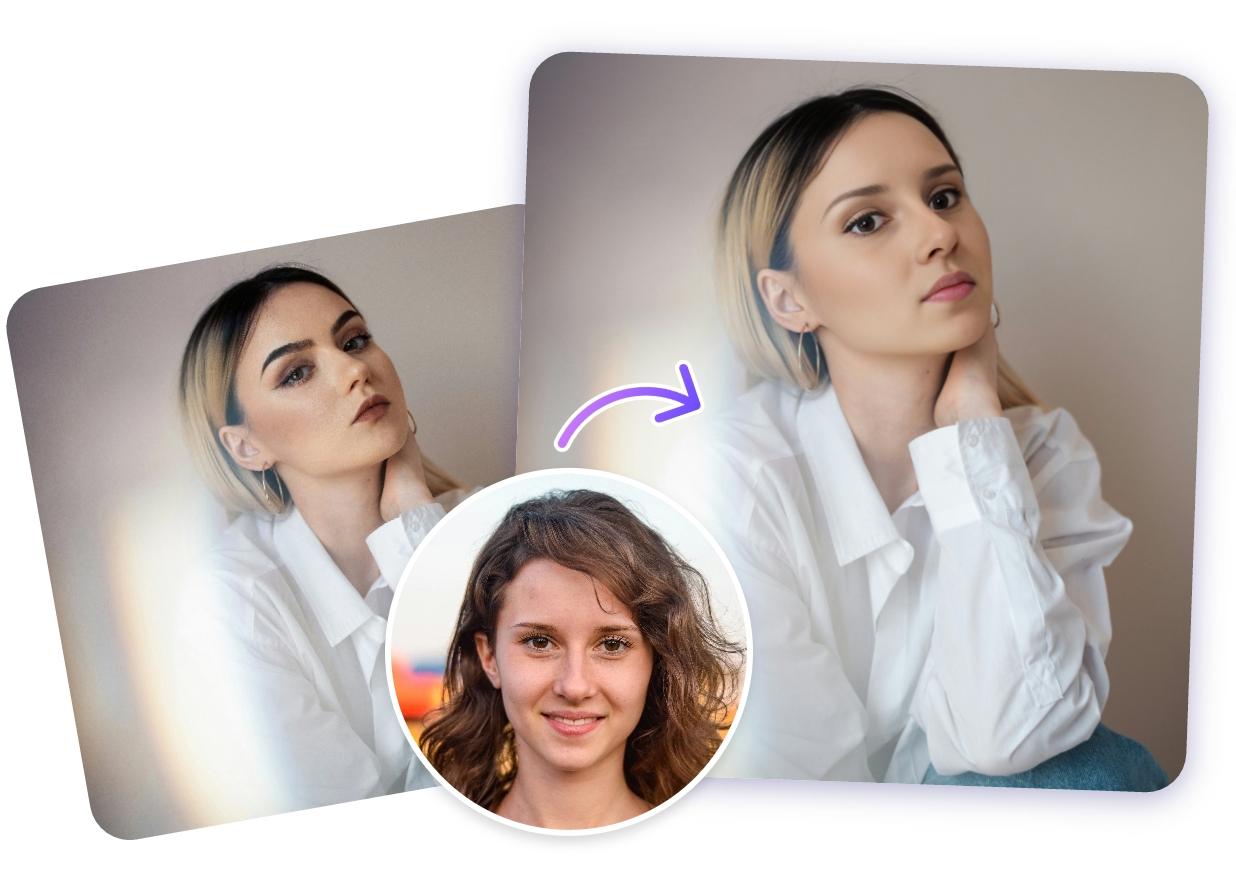
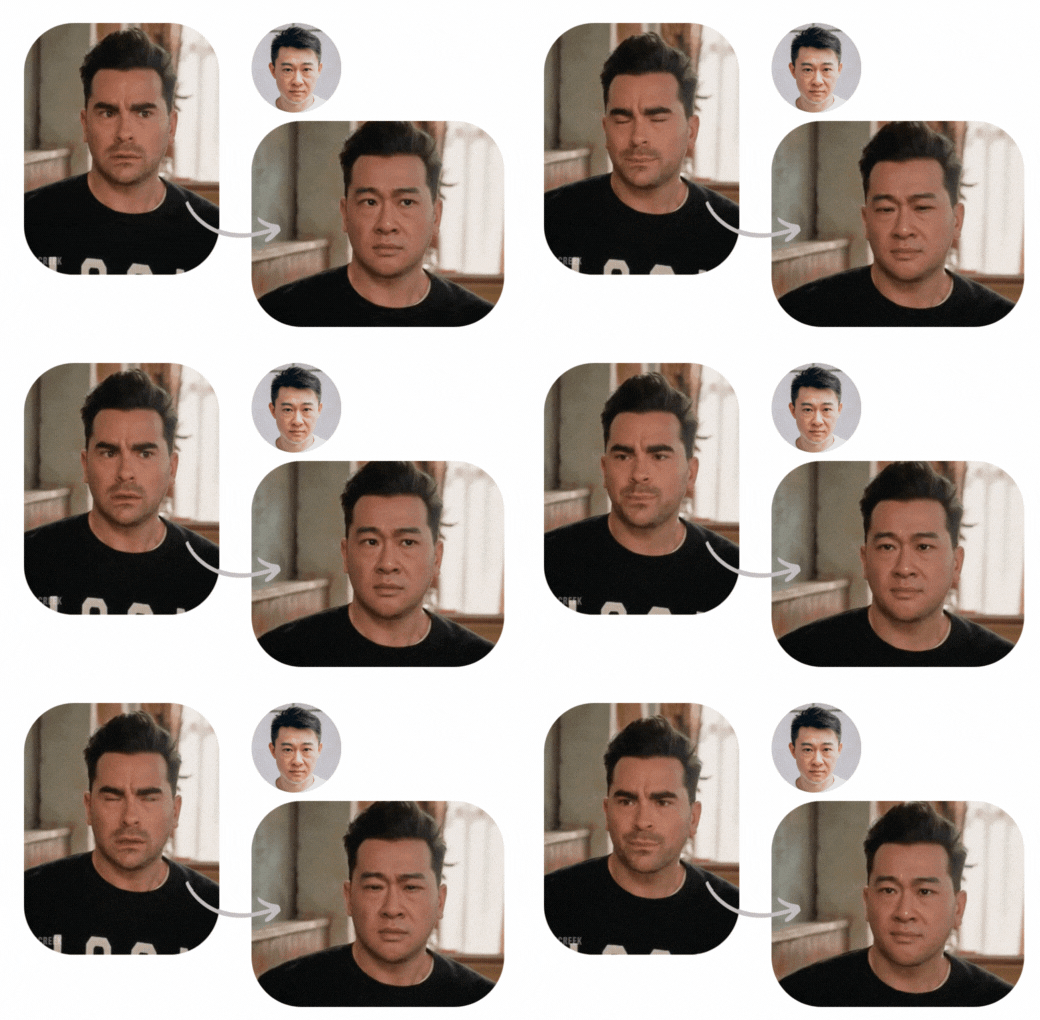
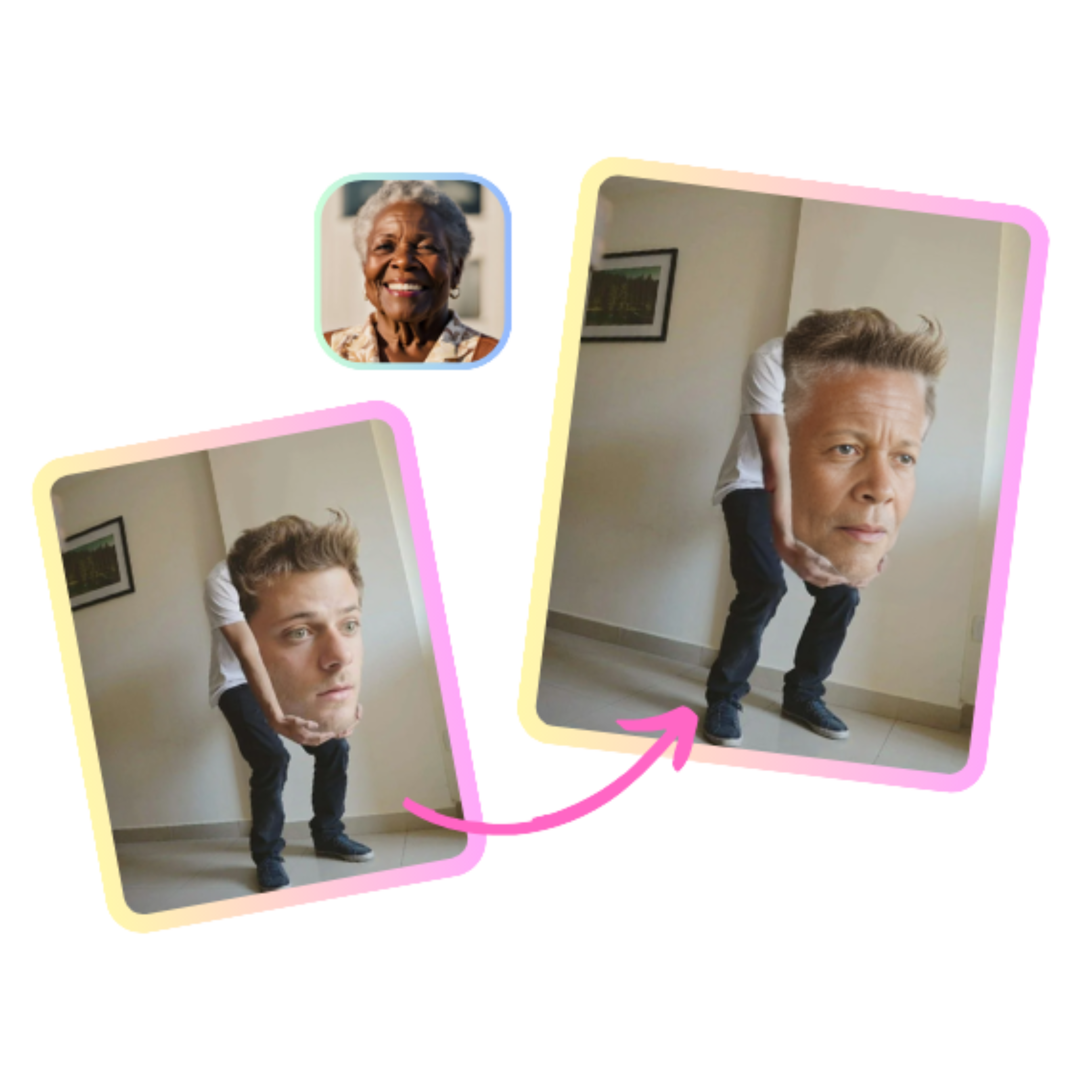
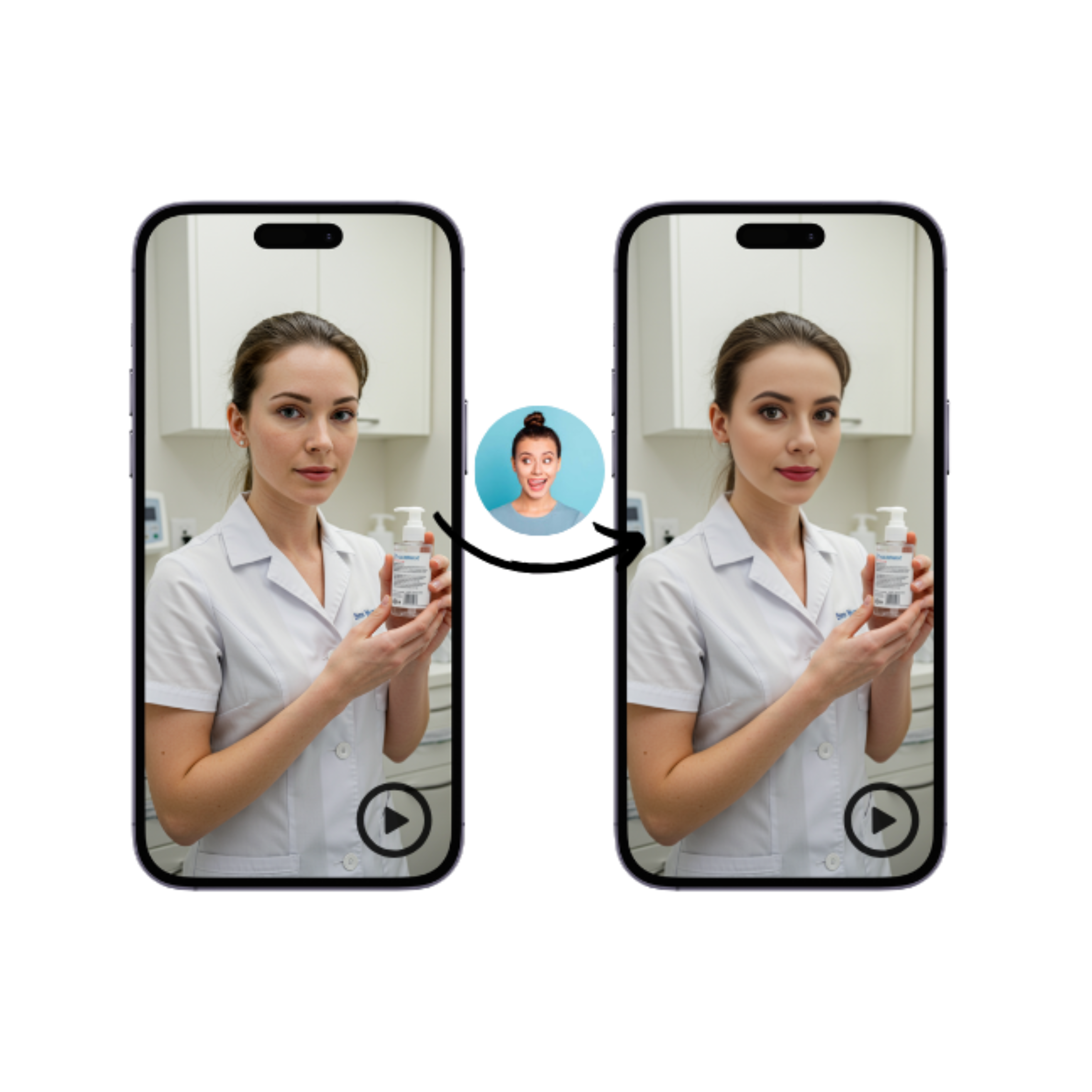
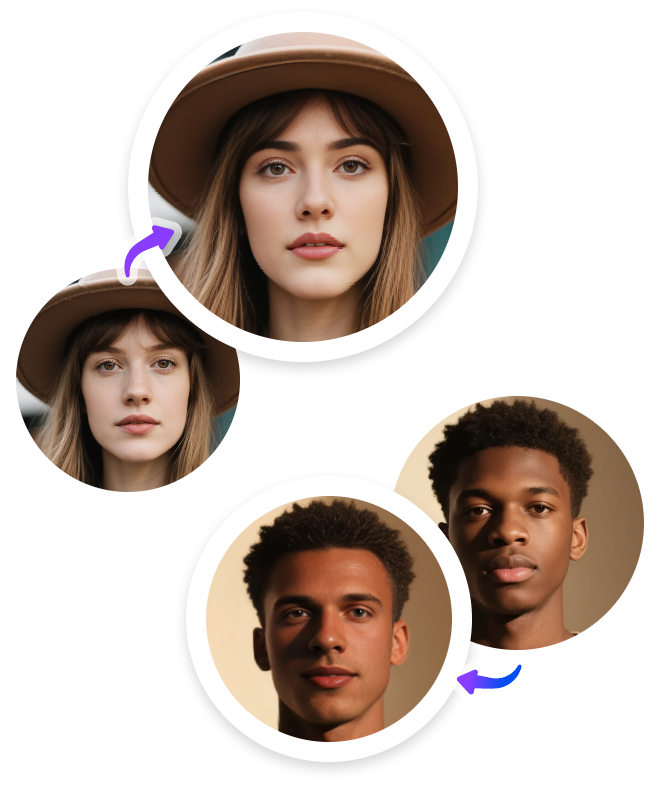
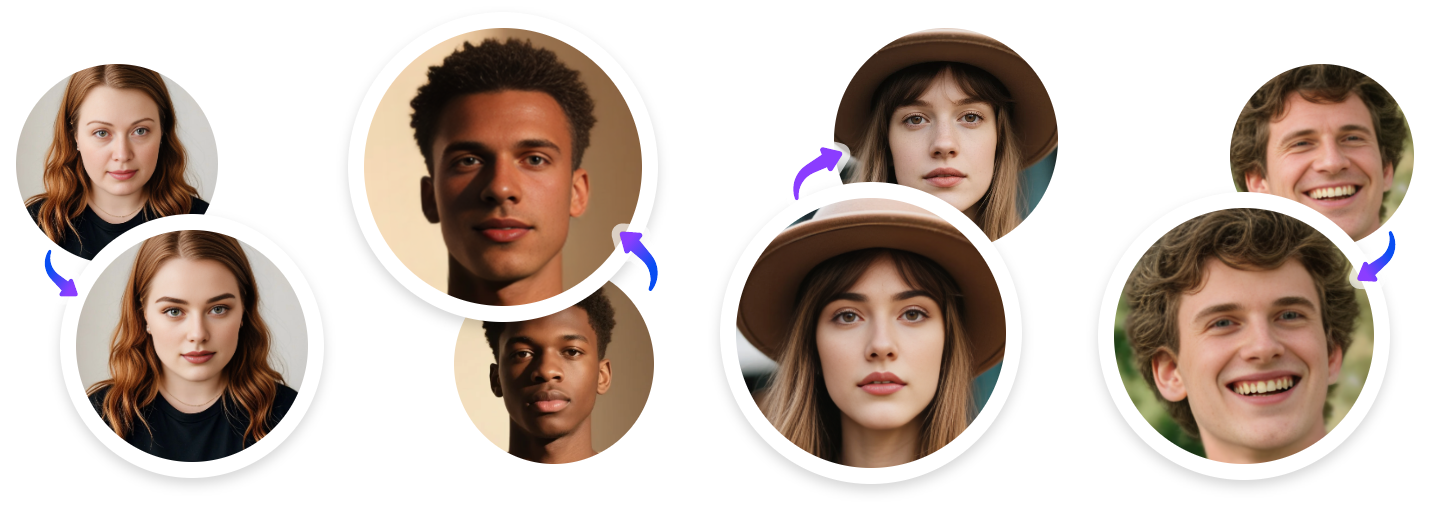
Upload the original photo you want to make to Remaker AI face swap. Make sure the photo you upload is of high quality. If you have no idea, simply try the photos it provides.
Then, upload another face photo as the target face. Remember, it's better to upload a clear face photo. You can also choose the provided face photo to try out.
Now, click ‘Swap’ to check the final face swap photo. If you don’t like the result, feel free to remake it until you get a satisfactory result.
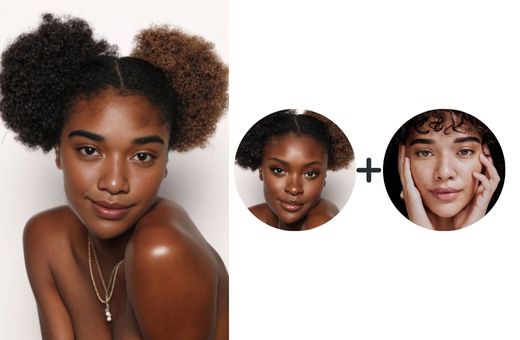
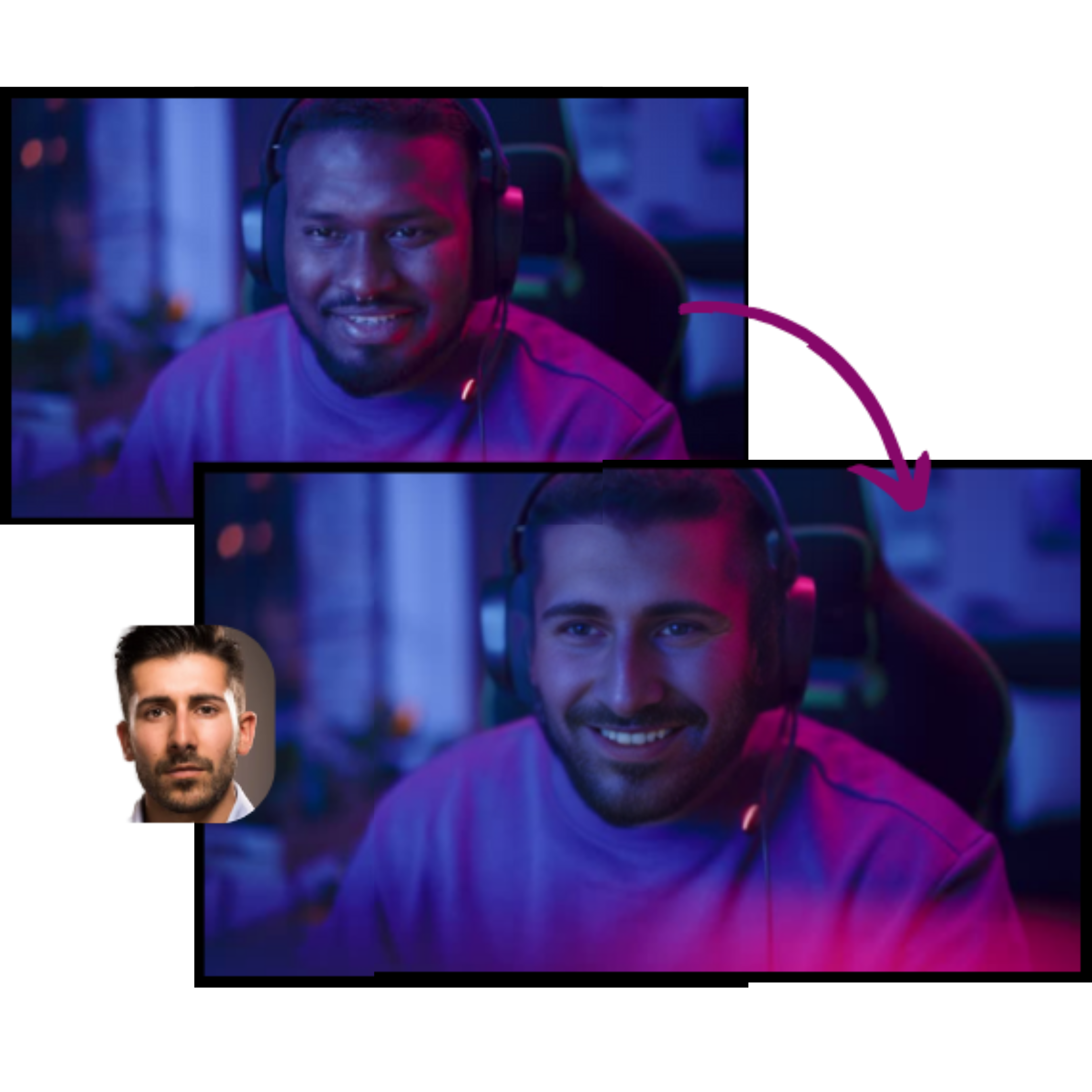
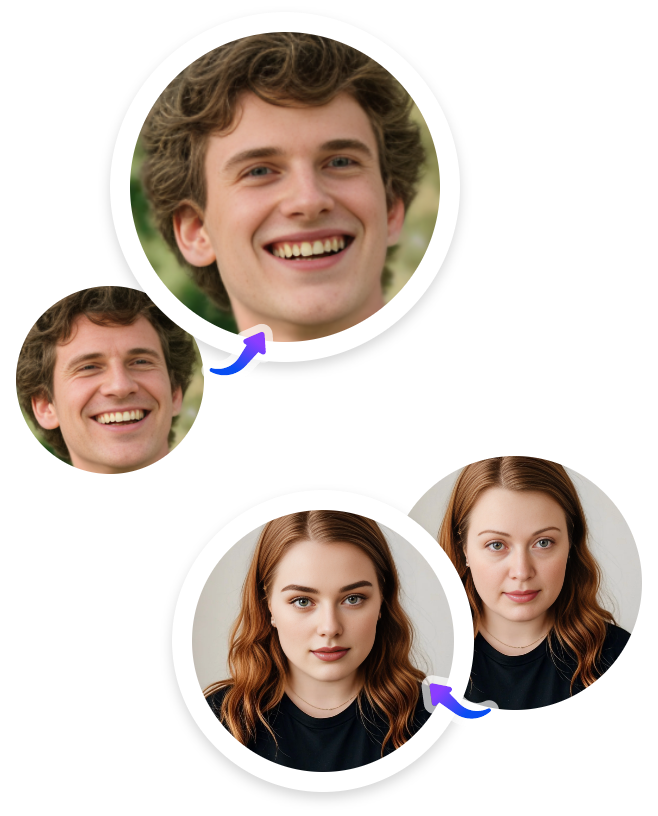
Go to the Multiple Faces page, and upload a photo that involves multiple faces.
Upload the target face photos you want to be swapped. After Remaker AI Face Swap detected the faces, choose and replace each face with your uploaded photos.
Now start face swapping. Remaker AI Face Swap will analyze the faces and merge each face seamlessly.
Yes. Remaker lets you do face swaps for free (web/app) with limited daily/free credits, but heavy use or higher-quality exports use paid credits or plans. For quick social clips, Vidqu AI Face Swap is a great alternative.
Remaker AI face swap is mostly safe to use. Remaker states it uses strong security and says it doesn’t retain uploads and reviews. But no system is perfect: consent, privacy, and misuse (deepfake) risks remain.
Yes. Vidqu AI face swap is a great free alternative to Remaker AI, it’s totally free to use for unlimited times. It supports free photo, GIF, and video face swaps (including multiple faces) with no ads or redirects.
Yes, Remaker AI is generally rated good. It’s a realistic, user-friendly and feature-rich platform. It offers a limited free tier plus paid credits. For a free-first alternative, Vidqu AI face swap is a strong option.
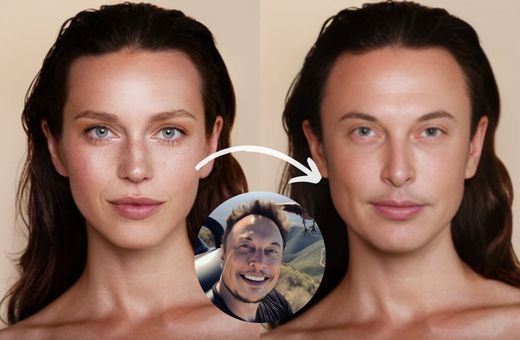
This free online face swap tool is right at your fingertips! Experience an easy, fast, and incredibly lifelike AI face swap now!